

How to Fix and Add Your Book Metadata to Public ISBN Databases
Struggling to get your book’s metadata on Google Books or other ISBN databases? Many publishers don’t realize that simply assigning an ISBN through agencies like Bowker doesn’t automatically make their book information publicly accessible. This guide reveals how book metadata actually flows between ISBN agencies and major databases, why Google Books can take months to index your information, and most importantly—a simple two-step solution using Open Library to make your book discoverable across multiple platforms immediately, even before publication.
Getting your book’s information into public databases like Google Books can be frustrating. Here’s what you need to know about ISBN metadata and how to fix it.
The ISBN Assignment Problem
When you get an ISBN from Bowker (the US ISBN agency), they issue it without book details. You later assign the ISBN to your book by entering information on their platform. But there’s a catch: this information isn’t publicly available.
Bowker sells this data to companies, and Google Books indexes it from various sources (Bowker being one). The problem? Google Books can take a very long time to update, and your book might not appear in searches even after publication.
Important note: Not all ISBN agencies work the same way. India’s ISBN agency has a public database, but it only shows title, author, and publisher—nothing more.
Don’t Panic About Metadata Mistakes
If you entered wrong information when assigning your ISBN, your ISBN isn’t ruined. The assignment process is more formality than strict validation.
You can publish your book with different information than what you originally assigned. Here’s why: Google Books and other databases prioritize metadata from retailer websites over ISBN agency data.
For example, if you assigned ISBN 123 to “Book ABC” but published it as “Book XYZ,” Google Books will list “Book XYZ.” The retailer data wins.
The Quick Fix: Use Open Library
If your book still isn’t showing up in ISBN lookup tools or Google Books, here’s the solution:
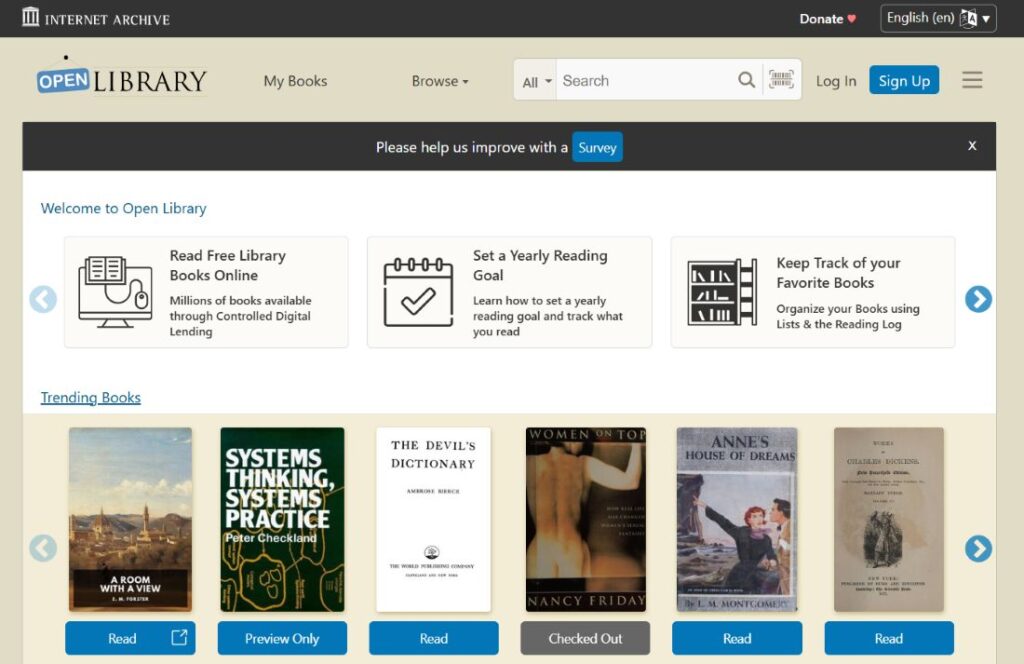
- Step 1: Create a free account at OpenLibrary.org
- Step 2: Search for your book’s ISBN. If nothing appears, create a new listing with your correct book information.
That’s it. Open Library is a public database that anyone can edit (unlike Google Books). Many retailers, libraries, and software tools use Open Library’s free API for book metadata. Once your book is there, ISBN lookup tools will find it.
Bottom line
Don’t stress over initial ISBN assignment errors. Focus on getting accurate metadata on retailer sites and Open Library. That’s what actually matters for discoverability.