
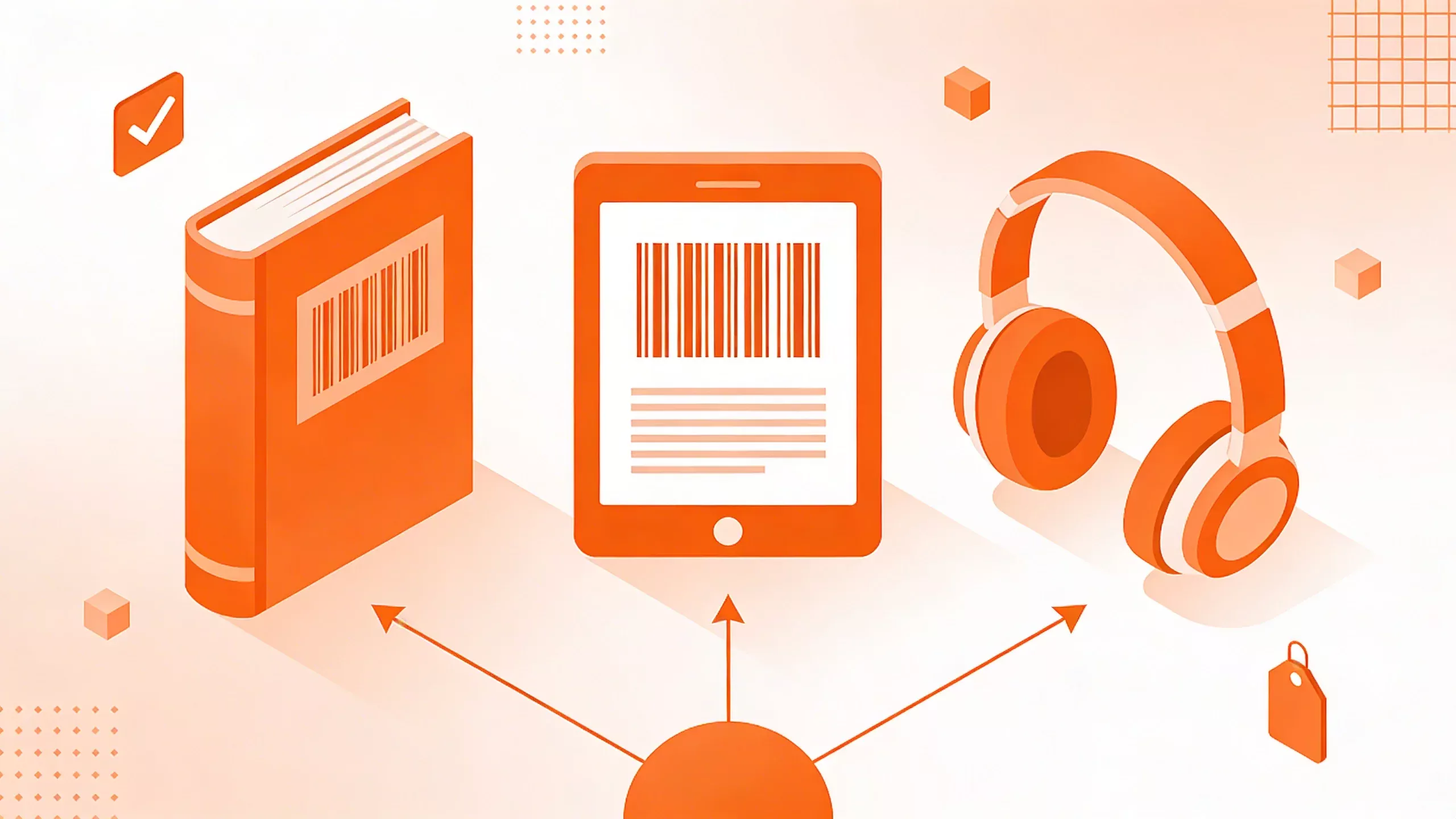
How to Correctly Assign ISBNs to Multiple Book Formats (Print, eBook, Audio)
Do you need a separate ISBN for hardcover, paperback, ebook, and audiobook? Yes. Here is the complete guide to assigning ISBNs correctly across all your book editions.
One of the most common questions we get at ISBN.co.in is: “Can I use the same ISBN for my paperback and my ebook?”
The short answer is no.
The long answer is that every single format of your book is considered a separate product in the supply chain. If a bookstore orders your book, they need to know if they are getting the $15 paperback or the $25 hardcover. The ISBN is how they tell the difference.
If you mess this up, your sales data will be corrupted, retailers may reject your listing, and libraries won’t be able to catalog your work.
Here is the definitive guide to assigning ISBNs correctly across every format.
The Golden Rule of ISBNs
Different Format = Different ISBN.
It doesn’t matter if the text inside is identical. If the physical (or digital) container changes, the identifier must change.
Think of it like selling shoes. The “Air Jordan” is the title. But “Size 10” and “Size 11” need different barcodes (SKUs). Your book formats are the sizes.
1. Print Editions (Paperback vs. Hardcover)
This is the most strictly enforced rule.
- Paperback: Needs its own ISBN.
- Hardcover: Needs a separate ISBN.
You cannot reuse the paperback ISBN for the hardcover. Why? Because they have different prices, different weights, and different dimensions. A warehouse robot needs to know which one to pick.
What about “Large Print”?
Yes, Large Print editions count as a separate format. Because the interior layout is different (font size 16pt+) and the page count usually increases, it is a physically different product.
Verdict: If you launch a Paperback, Hardcover, and Large Print edition, you need 3 separate ISBNs.
2. eBooks (The “Grey” Area)
Here is where indie authors get confused.
Technically, the international ISBN standard says each digital format (EPUB, PDF, MOBI) should have its own ISBN.
However, in practice:
- Amazon KDP: Does not require an ISBN for eBooks (they assign an ASIN).
- Draft2Digital / Smashwords: They can assign a free ISBN for you, or you can use your own.
Recommendation: Assign one unique ISBN to your “primary” eBook format (usually EPUB). You can typically use this single ISBN across most retailers (Apple, Kobo, Nook) for the EPUB version.
Do NOT use your paperback ISBN for your eBook. This causes metadata conflicts. If a customer scans your paperback ISBN and it pulls up the $3.99 eBook price, you have a problem.
3. Audiobooks (Digital vs. Physical)
Audiobooks are growing fast, and the rules here are specific.
- Digital Audio (MP3/Download): Most major platforms (Audible/ACX) do not require an ISBN; they use their own identifier. However, for wide distribution (libraries, Spotify, Storytel), having an ISBN helps with discovery and metadata linking.
- Physical Audio (CD/Cassette/Playaway): If you are old-school and selling physical CDs, you must have an ISBN.
Verdict: We recommend assigning one ISBN to your Digital Audiobook edition to keep your catalog professional and discoverable outside of Amazon’s walled garden.
Revised Editions
Do you need a new ISBN if you fix a typo?
- Fixing typos: No. Keep the same ISBN.
- New Cover: No. Keep the same ISBN (usually).
- Major rewrite (adding chapters, changing the ending): Yes, this is a “2nd Edition” and needs a new ISBN.
Summary Checklist
If you are publishing a book in all standard formats, here is your shopping list:
- Paperback ISBN (Essential)
- Hardcover ISBN (Essential if printing hardcover)
- eBook ISBN (Recommended for wide distribution)
- Audiobook ISBN (Optional but Recommended)
That means a full multi-format launch requires 3 to 4 ISBNs.
Don’t try to cut corners here. ISBNs are the backbone of your book’s metadata. Getting it right ensures your sales are tracked correctly and your readers find exactly the version they want.
Need ISBNs for your project? Check our ISBN assignment services to get started.